
Sales route planner: from visit plan to route
You plan your visits in SalesMap; My Day gathers the day's visits and opens the route in time order.
Plan a visit, get a reminder
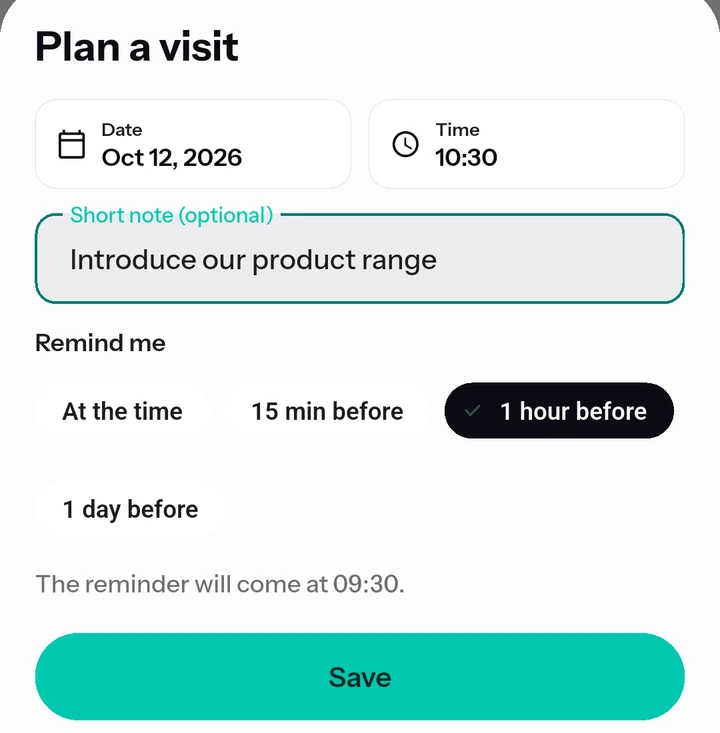
Enter a date, a time and a note with “Plan a visit”. Reminder options: at the visit time, or 15 minutes, 1 hour or 1 day before.
The route for the day in one tap
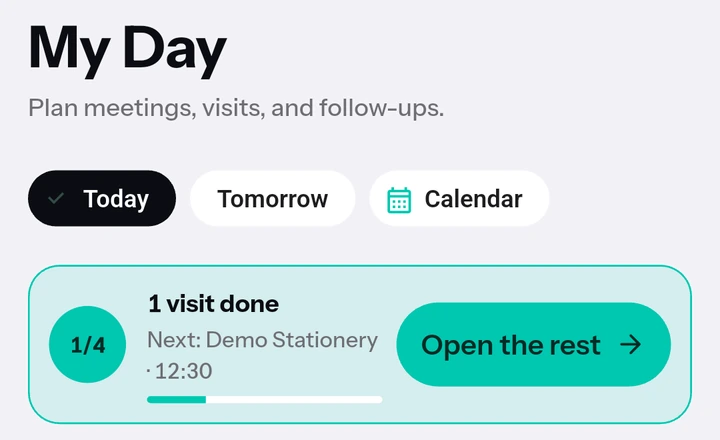
Tap Open on the “Route for the day” card in My Day; today's visits open in Google Maps in time order. Google Maps opens at most 10 stops per route, so longer routes are split into parts.
Morning route notification
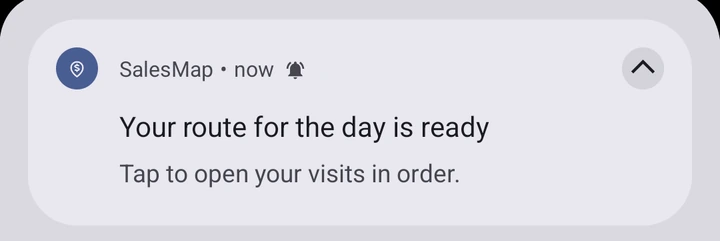
On days with at least 2 visits, a “Your route for the day is ready” notification arrives around 08:30; tapping it opens My Day. You can turn it off in Profile.
Route straight from Discover
You can also visit businesses that are not your customers yet. Choose 2–9 results with “Select for a route” and open the route, with nothing saved and no extra credits used.
Today, Tomorrow, Calendar
In My Day you see the visits for today, tomorrow and any day you pick in the calendar.
Try it today.
7 days free; no card details needed.
Early access
Want to join the closed test? Leave your email and we'll invite you when testing starts.
Your email is used only for early access and the closed test invitation, and is deleted whenever you ask. Early access notice